
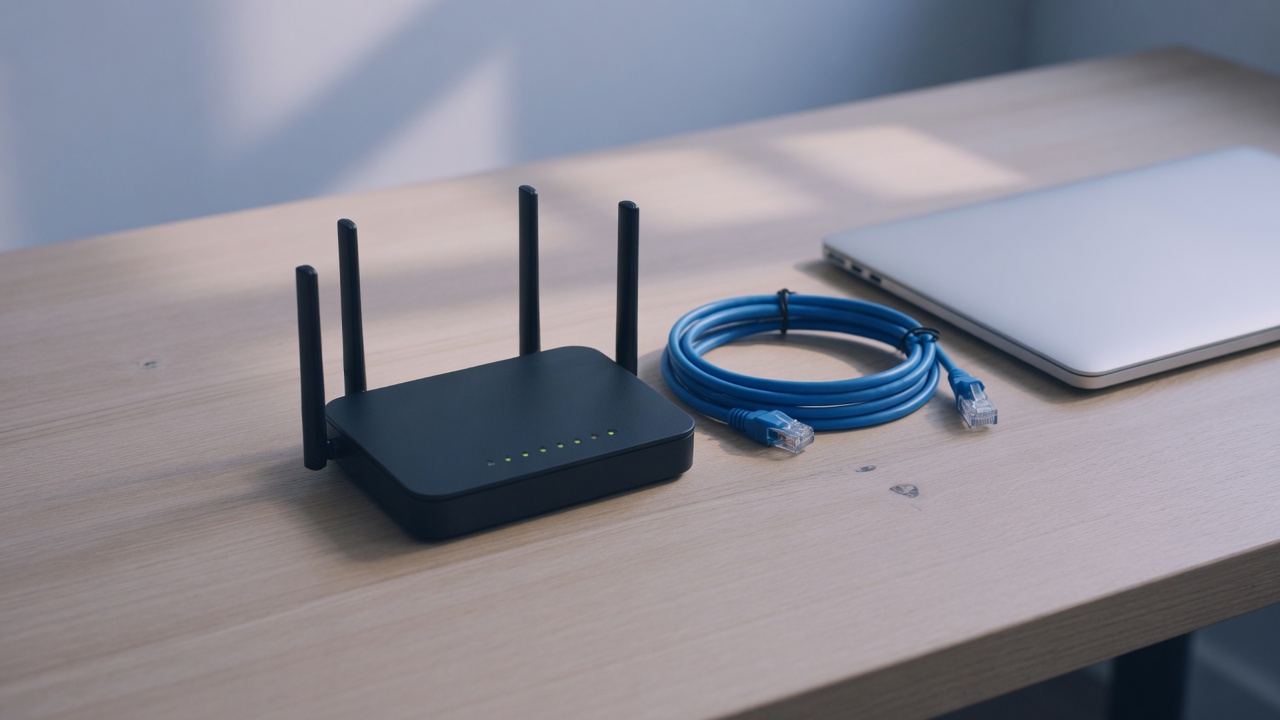
Most VPN advice still starts with the phone or the laptop. That is the easy half of a home network. The television, the games console, the streaming stick, and a growing pile of small appliances never install an app, and they still leave the house on your real IP address. A September 2026 note on the Kaspersky blog, Why set up a VPN on your router, walks through nine reasons to move the tunnel onto the router instead. The list is useful. The interesting part is what that move actually changes, and what it leaves alone.
Kaspersky frames the demand with a market figure it attributes to Future Market Insights: VPN use growing at about 20 percent a year. The number is a market-research claim, not a measurement of how many households have a tunnel on the router. What is easier to observe at home is the mismatch. People install a VPN on the two devices they touch all day, then assume the rest of the Wi-Fi inherited the same protection. It did not.
One tunnel for every device that cannot run one
A router that holds an OpenVPN or WireGuard profile is a single client of the VPN. Everything that uses that router as its gateway — phones, laptops, the television, a console, a guest’s tablet — sends traffic into that tunnel before it reaches the wider internet. There is no second install, and there is no per-device toggle to forget. A new gadget joins the Wi-Fi and inherits the path.
That is also how a device cap works in practice. VPN Safe paid plans allow six simultaneous connections. A phone running the app is one. A router running one configuration file is also one, even when a dozen things sit behind it. The cap counts clients of the VPN service, not every MAC address on the LAN. Free trials and plans that only ship an app, with no configuration file, cannot do this. The router needs a profile it can import, which means a service that will hand you OpenVPN or WireGuard, not only a branded client.
The client area on a VPN Safe account already offers those files: a WireGuard configuration for a chosen server, and OpenVPN over UDP or TCP. Importing one of them into a router that supports the protocol is the whole “install.” There is no VPN Safe firmware and no one-click router wizard. If the router’s interface does not mention OpenVPN or WireGuard, the file has nowhere to go.
The gap before an app connects
On a phone or a computer, the VPN is an application that starts after the operating system already has a network. Between those two moments, DNS lookups and a few background requests can leave on the normal connection. Apps answer this with an always-on setting or a kill switch that drops traffic when the tunnel is down. VPN Safe’s Windows app has that kind of switch. It applies to that Windows install. It does not follow the television.
A tunnel that lives on the router closes that gap for the whole LAN, but only if the router refuses to forward traffic when the tunnel is down. Many consumer firmwares will quietly fall back to the WAN. That fallback is the household version of a kill switch that was never turned on. Before you treat the router as “not a byte without the VPN,” check what it does when the server is unreachable: drop the clients, or send them out in the clear. If the firmware cannot drop them, the setup is convenient and it is not a fail-closed network.
Work VPN on top of a home VPN
Kaspersky’s fifth case is the remote-work stack: a company VPN on the laptop, and a personal VPN already running on the home router. The path is company tunnel, then home tunnel, then the internet. That nesting is often the only way to keep both, because desktop operating systems are poor at running two full-tunnel clients at once, and flipping between them leaves a window on the plain connection.
It is also the case most likely to fail in a way that looks like “the VPN is broken.” Two layers of encryption add overhead. The maximum packet size shrinks, and some company portals, video calls, and file shares stall until the router or the company client lowers its MTU. DNS can get claimed twice. A policy that says “all traffic through the company VPN” may fight a router that says the same thing about the personal VPN. When that happens, the fix is split routing on one of the two sides, not a faster server. The household tunnel still hides the home IP from the company concentrator’s upstream path. It does not hide your work login from your employer, and it does not change what the company VPN logs on the inside.
Apps that refuse a VPN client
Some banking and streaming apps look for a VPN process on the device and refuse to open. They are not reading your threat model. They are matching a short list of installed clients and network interfaces. If the tunnel is on the router, that check on the phone often passes, because the phone itself is not running a VPN app.
The IP check remains. A bank, a government portal, a shop, or a streaming service can still dislike the exit address, especially when it sits in another country or on a range the service has already labeled as a VPN. Kaspersky’s own caveat is the right one: detection of a foreign or shared address is a separate problem from detection of an app. Moving the tunnel off the phone does not make the exit address look like your home ISP.
Guests, battery, and one place to change the server
Anyone who joins the Wi-Fi inherits the tunnel, including friends and family who never asked. That is protection against a snooping network path, and it is also your account carrying their traffic. If a guest does something the exit provider treats as abuse, the complaint lands on the VPN session the router is holding. A guest SSID that does not enter the tunnel is the cleaner split when you want visitors online without putting them on your VPN.
Encryption on the router instead of on the phone does save the phone some work, and on a small battery that can matter. It is not a large saving next to the screen. The larger operational gain is the one Kaspersky lists last: change the server, the protocol, or the key once, on the router, and every client follows. You stop maintaining six slightly different app setups that drift out of date.
What the router cannot do
Encrypting a whole household is a CPU job. A low-end or ISP-supplied router will cap throughput far below the line you pay for, particularly on OpenVPN. WireGuard is lighter, which is why it is the better default when the router offers both, but it still needs hardware that can keep up. Some boxes only speak PPTP. Treat that as unsupported. PPTP has been broken for years, and a tunnel that uses it is not a privacy control.
ISP routers are often locked. If the admin page has no VPN client section, buying a second router is the usual path: your own router holds the tunnel and serves Wi-Fi, and the ISP box stays as the modem, in bridge mode where the provider allows it, or with its Wi-Fi turned off so you are not running two overlapping networks. Fiber ONTs and odd WAN ports sometimes force that two-box layout. None of this requires the VPN provider to “support your model.” It requires the router vendor to support OpenVPN or WireGuard, and a configuration file from the VPN account.
Whole-home coverage also fights services that break on a VPN address. The practical escapes are the ones Kaspersky describes, and they are policy choices, not tricks. A second SSID with the tunnel off lets a television or a banking session leave on the normal connection while phones stay on the protected SSID. Split tunneling, where the router exempts specific destinations, does the same thing with less SSID switching, if the firmware can take a list of addresses. Device groups are the same idea aimed at hardware: the television bypasses, the laptops do not. Each bypass is a hole you chose. Traffic on the bypass is visible to the ISP again, and it uses your home address.
A router VPN still does not see inside an app. The smart TV, once it is through the tunnel, is logged into the streaming account you signed in on that TV. The tunnel hides the household IP from that service. It does not hide the account, the viewing history tied to it, or malware that is already on a device and talking to its own servers through the tunnel. It also does not encrypt traffic between devices on your own LAN. A camera that phones home to a vendor cloud is protected in transit only for the hop from your router to the VPN server, and the vendor still receives whatever the camera was built to send.
When the router is the right place
Put the tunnel on the router when the problem is coverage: devices that cannot run a client, people who will not turn one on, and a household that should share one exit instead of six. Keep a client on the laptop or phone when you leave the house, because the router does not travel, and when you need a kill switch the router firmware cannot provide. Use a second SSID or a destination bypass for the few services that reject the VPN address, and treat that bypass as an exception list you can name, not as a failure of the setup.
On VPN Safe, the files for that router are the WireGuard and OpenVPN profiles in the client area. One of them occupies one of the six connections. Pick a server you can live with for the whole house, confirm the router drops traffic if that server disappears, and leave PPTP-only hardware out of the design. The Kaspersky list is a fair map of the benefits. The limit is the same one that applies to any VPN: it changes the path of the packets, and it does not change what you log into at the other end.